Integration Details

Kitchen Printer Management
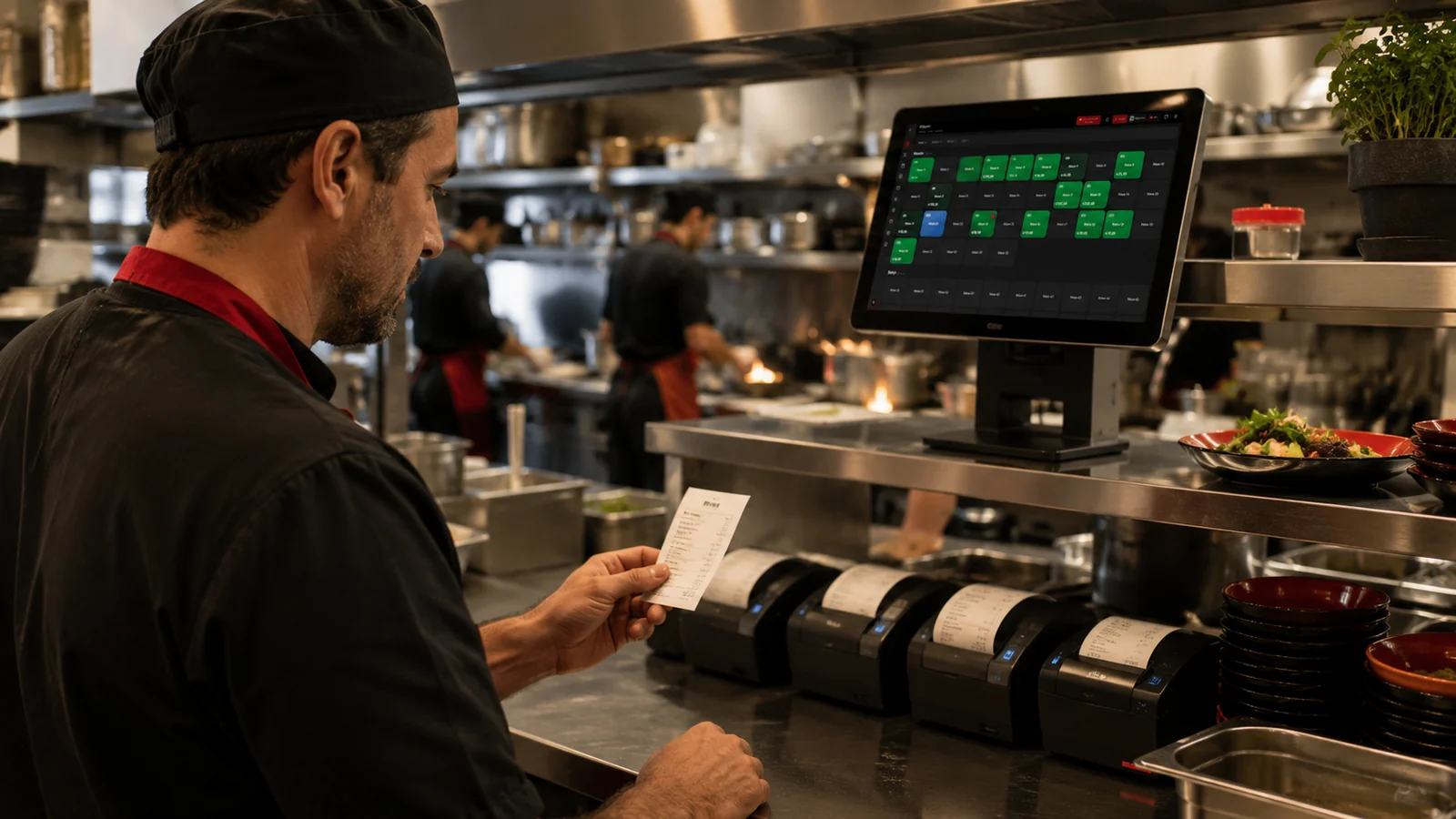
Orders route automatically to the right printer

Manage kitchen, bar and cashier printers with RoxPos; route each order to the right printer by category automatically. Multi-printer, Print Agent support.

Kitchen Printer Management

Key Highlights

Routing by category — drinks to the bar, food to the kitchen.

Every item added to a check is automatically sent to the printer of the correct preparation point based on its menu category, so drinks land on the bar printer and food on the kitchen printer. The waiter takes a single order while the system splits the tickets and routes each to the right station. This removes both mis-routed orders and the effort of sorting items by hand.

Multiple printers/stations — each prep point gets its own ticket.

RoxPos lets you define multiple printers and map each one to a preparation station such as the kitchen, bar, pizza counter or cold kitchen. When an order is sent, each station receives a ticket containing only the items it is responsible for, so one section is never burdened with another's order. Because the workload is distributed to the right points, preparation runs faster and more orderly.

Connect a local printer to the cloud with Print Agent.

Because RoxPos runs in the cloud, your on-site physical printers are bridged to the system through a small Print Agent app running at the counter, which goes live after a one-time lightweight install. An order placed from an iPad, phone or web browser is printed via the Print Agent on the real kitchen or bar printer in your venue. This way you keep using your existing printer hardware without losing the flexibility of the cloud.

One item to several printers — prep and service in sync.

The same item can be routed simultaneously to the kitchen printer where it is prepared and to a second point such as a service station or the cashier. While the kitchen starts preparing the dish, the service or cashier point sees the same item on its own ticket, so both sections act in sync. Not limiting an item to a single point prevents disconnects between preparation and serving during a busy shift.

What Does This Integration Deliver?

Splitting kitchen and bar orders onto separate tickets

When a table orders both food and drinks, RoxPos sends the drinks to the bar printer and the food to the kitchen printer as separate tickets. The waiter only needs to take everything in one pass; the system splits the items automatically based on category mapping. This way the bar and the kitchen each focus on their own order without interfering with the other, and confusion is avoided.

Each station seeing its own order in a multi-station kitchen

In a kitchen with several stations such as grill, cold kitchen and dessert, each section is assigned its own printer, and when an order is sent each station receives a ticket containing only its items. The grill chef sees only the grill order while the dessert section sees only desserts. Thanks to this separation, each station runs its own workflow independently and never has to hunt for its items on a long ticket.

Routing orders to a backup printer when one fails

When the printer at a preparation point fails, you can reassign that category's routing to another printer in the settings so orders keep printing. If the kitchen printer goes down, you temporarily route its items to the bar or cashier printer and continue service without disruption. This way a single device failure does not leave the kitchen blind, and orders keep flowing without having to track them by hand on paper.

Printing the receipt and kitchen order separately from one sale

From a single sale, the preparation order can be printed on the kitchen printer and the customer receipt on the cashier printer separately. The kitchen ticket lists the items to be prepared while the cashier receipt carries the total and payment details, so the two documents never get mixed up. This separation ensures, within the same transaction, that the kitchen receives the correct preparation information and the customer is handed a proper receipt.

Related Solutions

Frequently Asked Questions

How does an order reach the right printer?

You map each product category to a printer; when an order is entered, items route automatically to the relevant kitchen, bar or cashier printer by category.

What is Print Agent and why is it needed?

Print Agent is a small app that bridges cloud-based RoxPos and your local (USB/network) printer, so a cloud order prints on the physical device.

Can I use multiple printers?

Yes. You define multiple printers such as kitchen, bar, waiter station and cashier, and link each to product categories; multi-printer scenarios are supported.

Which printer types are supported?

Common thermal receipt printers are supported over USB or network; the local printer connects to the cloud via Print Agent. Setup steps are in the support guide.