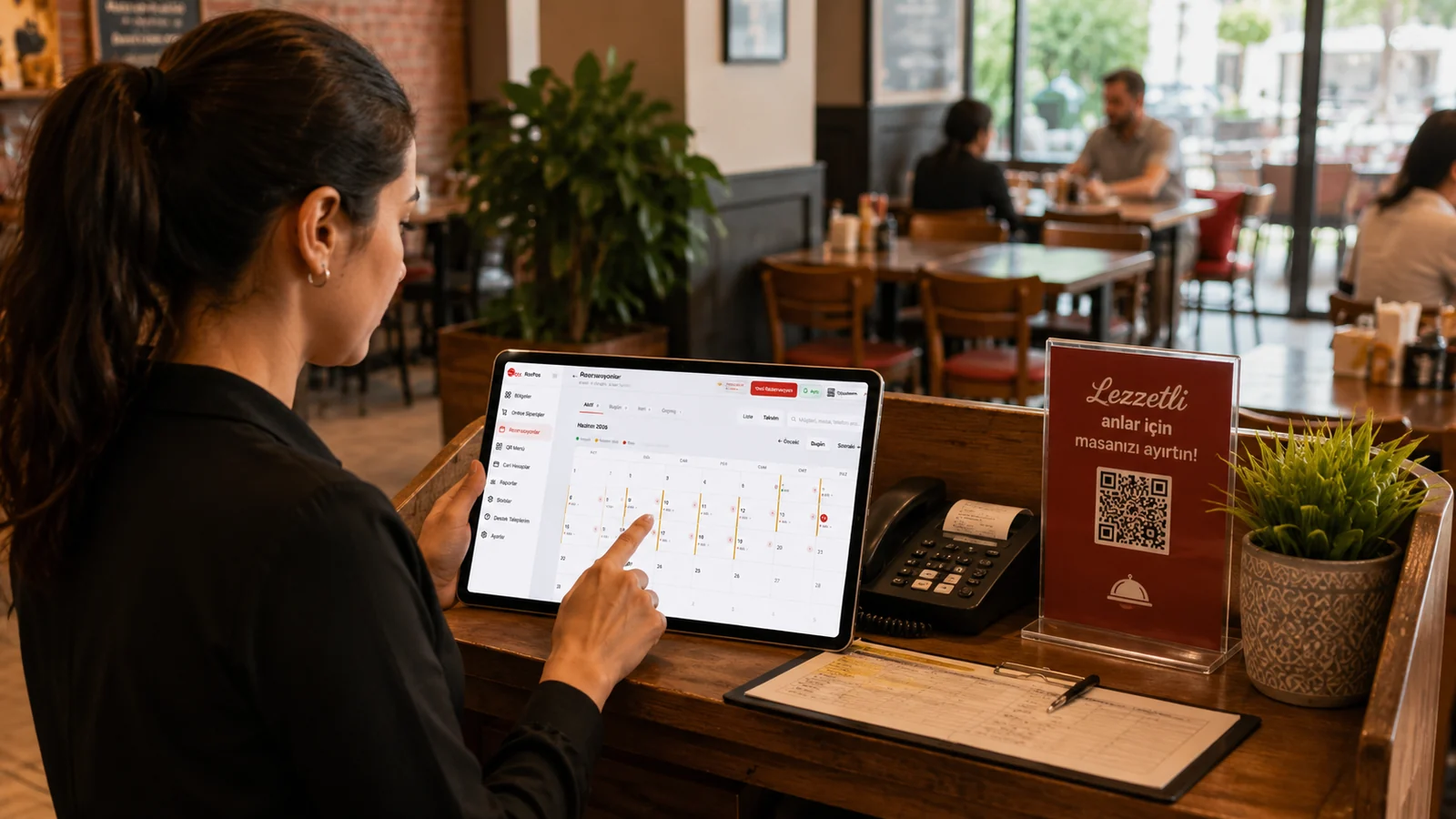
Planning the evening service in advance by table/hall occupancy
Before the evening service begins, you can see in the list which tables and dining areas are booked at which hours and set aside the still-free tables for walk-in guests. This advance view lets you position the kitchen and service team according to the expected load and spread your capacity evenly across the day.
Recording a phone reservation within seconds
When the phone rings, you enter the date, time, table and guest details on the same screen and complete the reservation before the call ends. Since the system is cloud-based and needs no installation, you can do this from an iPad, phone or web browser while still talking to the customer.
Separating special-day/group reservations by hall
For a birthday, a celebration or a large party you can reserve tables within the same dining area, keeping these guests separate from the other sections. This area-based layout lets you record the group's needs and special requests as notes and plan the service around that section.
Hiding past reservations and tracking only active ones
Because expired entries are filtered out of the default list automatically, the screen keeps only the active reservations for today and the days ahead. Staff stay focused on the current situation instead of getting lost among old appointments, and clearly track which guest is coming and which table needs to be prepared.