Integration Details

AI Restaurant Assistant
Gives a daily summary, flags risks early

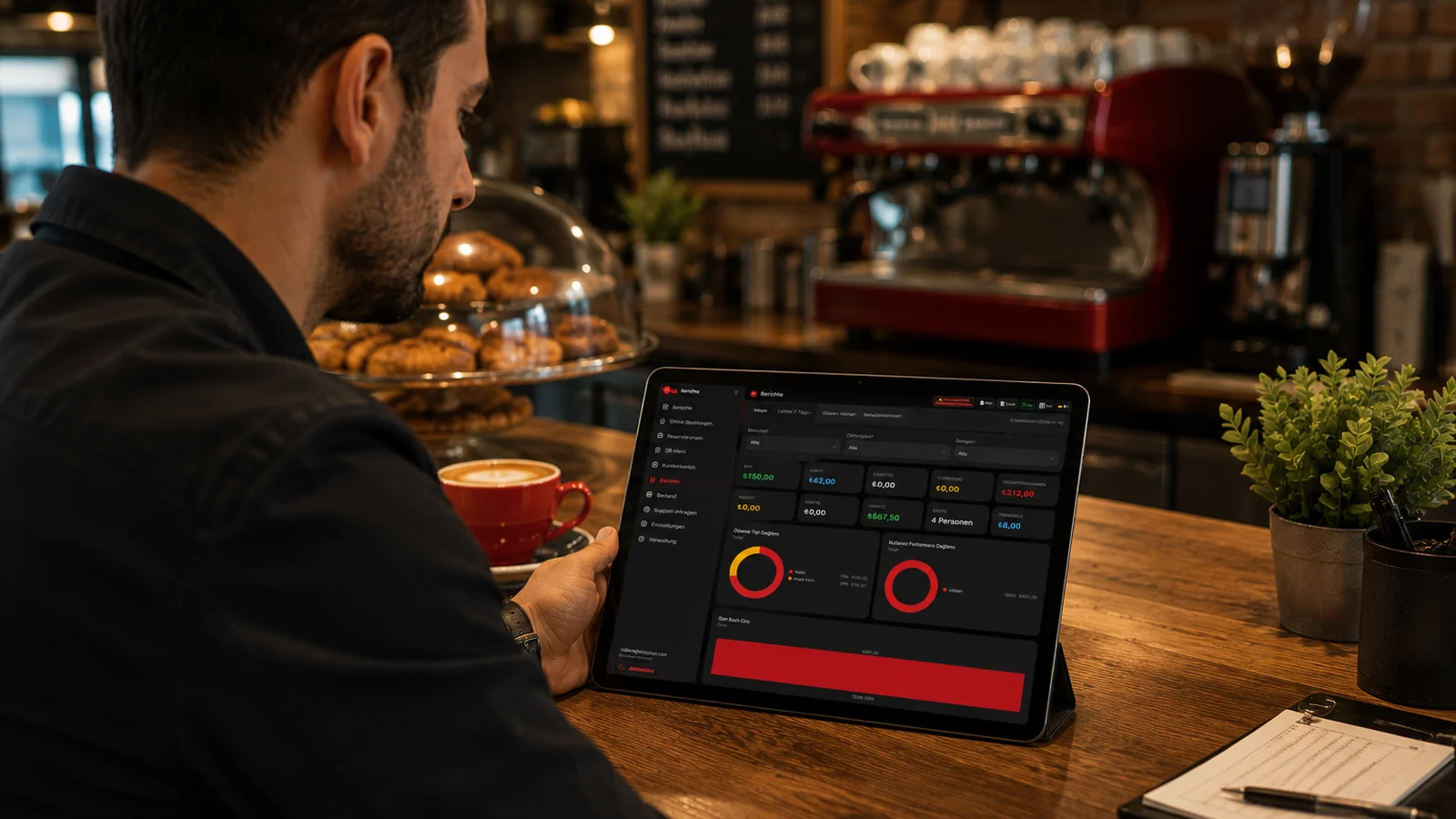
AI restaurant assistant: RoxPos gives a daily summary, flags points needing attention and warns of a sales drop or stock risk in advance.

AI Restaurant Assistant

Key Highlights

Daily summary — the day's revenue, sales and key moves in one place.

At the end of the day the AI assistant gathers revenue, transaction count and the day's notable product activity and turns them into a readable summary. Instead of opening separate reports one by one, you see the day's key movements in a few lines. If you run multiple branches, each one appears side by side in the same overview.

Attention points — flags items that might be overlooked.

The assistant scans the day's data and automatically surfaces items that deviate from the norm, such as a day below expectations, a fast-depleting product or a rise in cancellations. This way you immediately know what to look at without digging into the depth of a report. Each flagged point links back to the relevant report, where you can see the cause and act on it.

Early warning — alerts to a sales drop or stock risk in advance.

Working together with sales forecasting and stock tracking, the assistant warns you in advance when the trend starts to turn downward or a raw material approaches a critical level. Because you are alerted before the problem grows, you can make pricing, promotion or ordering decisions in time. The warnings are based on real sales and recipe-consumption data, triggered by measured activity rather than guesswork.

One glance for the manager — see status without diving into reports.

The assistant pulls scattered figures into a single view ordered by what matters to a manager, so you grasp the state of the business without reading pages of reports. When you need detail, you can jump from the same screen to the relevant live report or to a PDF/Excel export. You spend your limited time deciding on what the assistant highlights rather than searching through tables.

What Does This Integration Deliver?

Getting yesterday's summary on one screen at opening

As soon as you open up, you check the assistant and see yesterday's revenue, transaction count and notable activity on a single screen. Knowing what went well and what needs attention before the day starts lets you steer the team with the right priorities. If you run multiple branches, each one's previous-day performance sits side by side in the same summary.

Acting early on a sales drop before noticing too late

The assistant flags it as an early warning when the sales trend starts to turn down, so instead of noticing the gap at month-end you act while there is still time. By making promotion, pricing or menu adjustments without delay, you keep the decline from deepening. Because the warning rests on real sales data, you know exactly what you are responding to.

Hearing about stock risk before a critical item runs out

Thanks to automatic stock deduction at order close and recipe consumption, the assistant warns you when a raw material approaches a critical level before the item runs out. You place the supply or production order in time and prevent gaps from forming in the menu. This removes the risk of running out of a best-seller right when demand is at its peak.

Tracking the day remotely without being on site

Thanks to cloud-based RoxPos, you reach the assistant's daily summary and alerts from a phone, tablet or browser anywhere, around the clock. Without being physically on site, you see the state of the day, read the points needing attention and steer things remotely when needed. If you manage several branches, you follow each one's day from the same place without visiting them separately.

Related Solutions

Frequently Asked Questions

What does the AI manager assistant provide?

It provides a daily business summary, flags points that need attention and proactively notifies of situations such as a sales drop or stock risk.

How is it different from the analytics module?

AI analytics gives an in-depth, on-demand review; the assistant is a daily, proactive summary and alert layer — it surfaces the key points for you automatically each day.

How do I get the alerts?

The assistant's summary and alerts appear in the RoxPos panel; situations such as a sales drop or stock risk are surfaced for your attention when detected.

Does the assistant decide for me?

No. The assistant guides your attention with summaries and alerts; you decide what to do. No guaranteed result is claimed.