Integration Details

Waiter Call System
Instant waiter call from the table in one tap

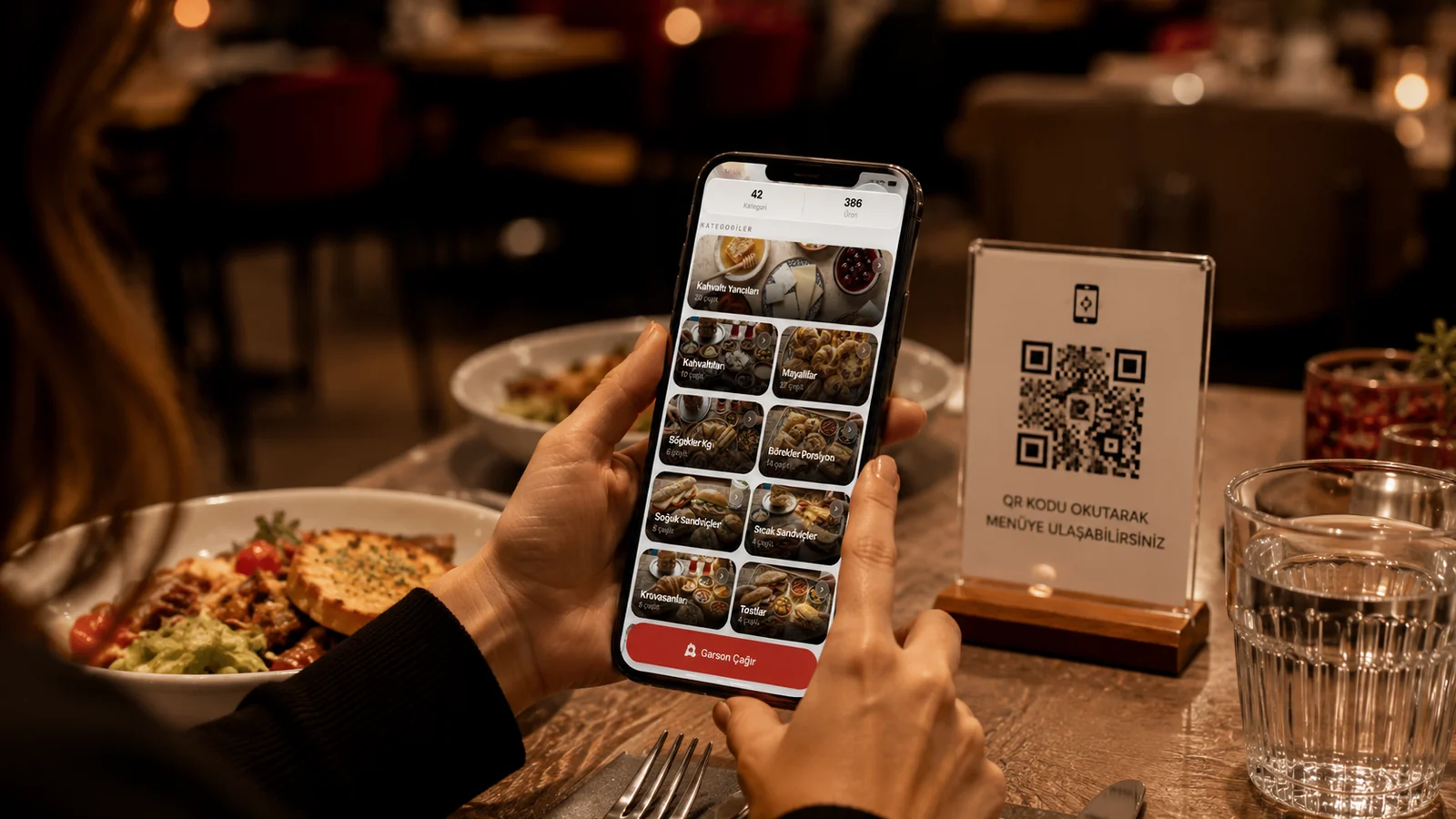
Guests call a waiter in one tap from the table QR; the request reaches staff phones and panel with the table number. Faster service.

Waiter Call System

Key Highlights

One-tap call — guests reach a waiter without raising a hand.

When the guest scans the QR code at the table, a "Waiter" button appears on the menu screen, and tapping it and giving a quick confirmation creates the request. The customer signals what they need without getting up or trying to catch a server's eye. Because the call reaches the team digitally and instantly, guests are not left waiting and the flow of service stays uninterrupted.

Notification with table number — staff instantly know who called.

Every call arrives together with the table name tied to the scanned QR code, so staff never have to guess which table needs attention. The waiter heads straight to that table without wandering the floor, eliminating the chance of approaching the wrong guests. This saves time and reduces service errors, especially in busy dining rooms.

Reaches phones and panel at once — no call is missed.

The moment a call is created, a push notification is sent to the company's devices and the call is also recorded in the panel as a table notification, so someone on the service team is bound to see it. The waiter can follow the alert on a handheld device while the cashier or manager watches the panel's open-call list, so nothing depends on a single person. Because it surfaces in several places at once, the risk of a call going unnoticed drops noticeably.

Integrated with the QR menu — no separate device or buzzer.

Waiter calling works as a built-in feature inside the multilingual (TR/EN/DE/ES) QR menu at the table, so the guest makes the call from the same screen they use to browse the menu. There is no need to install physical call bells, separate button pads, or extra terminals on the tables. The business avoids hardware costs and gains a cleaner table setup, since menu, ordering, and calls all live in one digital interface.

What Does This Integration Deliver?

Making it easy to reach staff in large or garden venues

In multi-floor venues, gardens, or large terraces a waiter cannot keep every table in sight, and guests seated far away are easily overlooked. When a customer makes the call from the QR code at the table, the notification reaches the team with the table name, so the waiter does not have to scan the floor to find them. Even a guest in the most distant corner receives attention just as quickly.

Delivering fast service without waiting for eye contact at peak

During the evening rush, waiters are constantly on the move and a guest raising a hand to make eye contact often goes unnoticed. With waiter calling, the guest makes the call from the QR menu screen without leaving the table; the notification is pushed to the company's devices and lands in the panel as a table notification at the same time. Because calls shorten waiting time, the pace of service can be sustained even at peak hours.

Routing bill or extra-order requests to staff instantly

A guest wanting the bill or a small add-on order often has to wait for a waiter to pass by, leaving the table tied up for no reason. With waiter calling, the guest sends the request from the QR menu screen, and since the call reaches the team with the table name, the server covering that area can head over right away. Closing the bill quickly improves table turnover, and add-on order opportunities are not missed.

Measuring call volume to improve staffing

Because every waiter call is recorded in the panel as a table notification, the team can see in real time which tables are calling and how often. These notifications make it clear which tables are demanding more attention during busy moments, directing the service team's focus to the right place. As a result, during a shift the waiters can position themselves according to where demand is concentrating.

Related Solutions

Frequently Asked Questions

How does waiter call work?

The guest scans the table QR and taps the call button. The request, with the table number, is sent instantly to staff phones and the operations panel.

Is a separate device or buzzer needed?

No. Waiter call is built into the QR menu; the guest's phone is enough. You do not need a physical buzzer or call device on the table.

Who sees the call?

The call goes as a notification to authorized staff's RoxPos app and the operations panel; the team responsible for that table is alerted instantly with the table number.

Which businesses is it suitable for?

It is ideal for restaurants, cafes, bars, beach clubs and large/garden venues; it speeds up service anywhere guests struggle to reach a waiter.